Radius Map Tool to Draw Circle on Map Online
Circle Summary
No circle drawn yet. Click "Draw Circle" and then click on the map to create a circle.
This free online mapping tool offers to search postcode or address on the map and allows you to draw radius map circle.
You can use this free online mapping tool to search any location using search bar or can manually pan the map to go on desired map location. You can also download the circle map using this free mapping application in JPG format.
This GIS application is built by using open source technologies so it is free to use for a life time.
You own a small bakery in downtown Chicago. You decided to start home deliveries to expand your customer base and sales. Local delivery services have limits, so you decided to serve your customers within 5km of your bakery location. Now you want to know which communities and areas fall under 5km circle. Here this tool comes into play. Just following few steps below, you will get your answers.
Another example of usage is a real estate agent who wants to show his or her client about schools available within 10 miles of his property. He will repeat the process by entering property address and adjust the parameters. Circle of desired size will be drawn and street map will provide the information about the school available within 10 miles.
This free application makes drawing a circle on map very easy. No additional resources are required to draw circle on map with given parameters like units in miles, kilometers, feet, meter and yards. Circle size can also be adjusted by entering a number in text box next to unit selector dropdown.
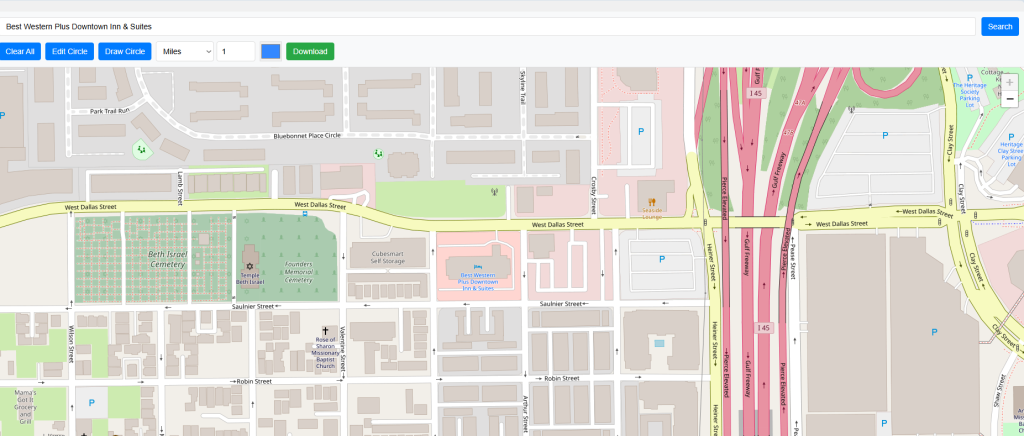
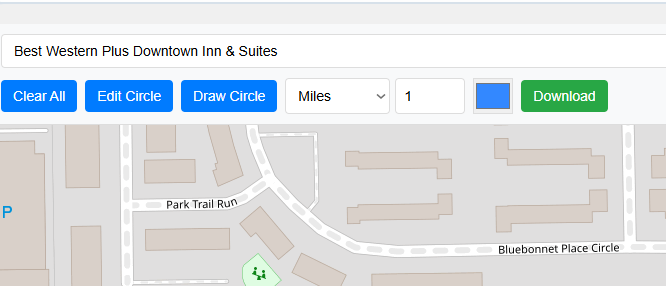
On top most search bar address can be entered and then press search button. Map will be zoomed to the entered address if found.
A Zip or postal code can also be entered into the search box, and after pressing the search button, the map will zoom to the given location if found.
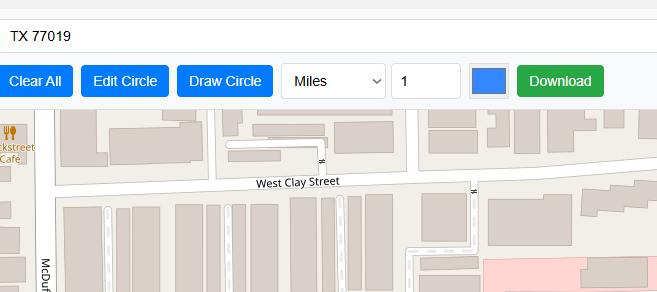
Draw Circle involves four menu items.
There are 5 options to select the units to draw circle on map. User can draw circle in Miles, Kilometers, Feet, Meters and Yards with 100 percent accuracy.
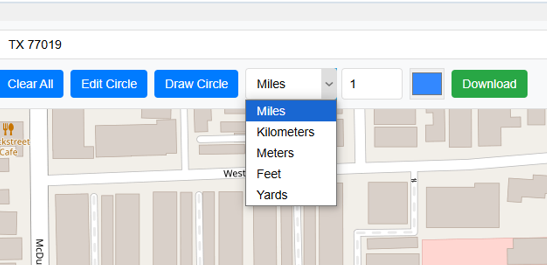
Text box right next to unit selector drop down gets the value for size to draw circle on map. Value can be entered manually by typing e.g. 1.3 or step increment of 0.1 fraction by clicking up and down arrow to increase or decrease the value by fraction of 0.1. Default value is 1.
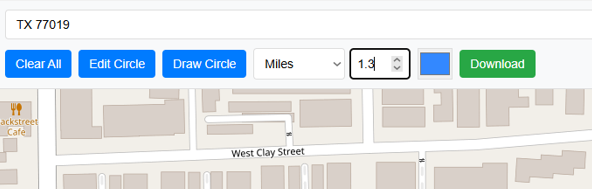
Right before the unit selector drop down and third button from left hand side is the Draw Circle button. When button is clicked it turned red and text will be changed to Cancel Drawing, it means now it is in drawing mode and circle will be drawn on map when clicked on your desired location.
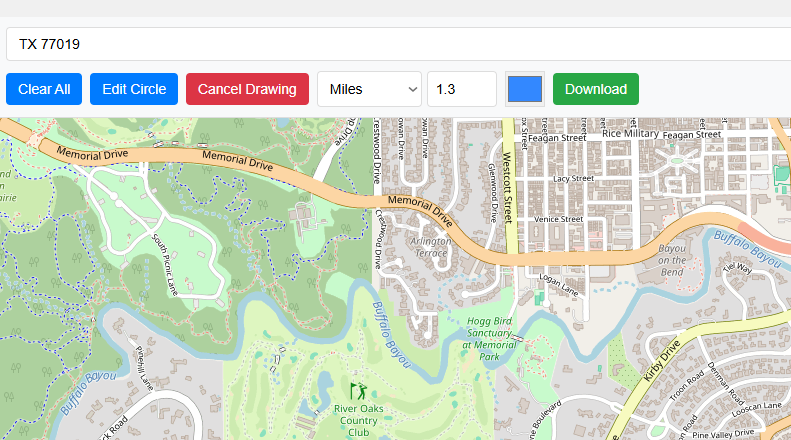
Clicking on the map will set the center of your circle and map radius will be of entered value and units. For instance it will be 1.3 Miles.
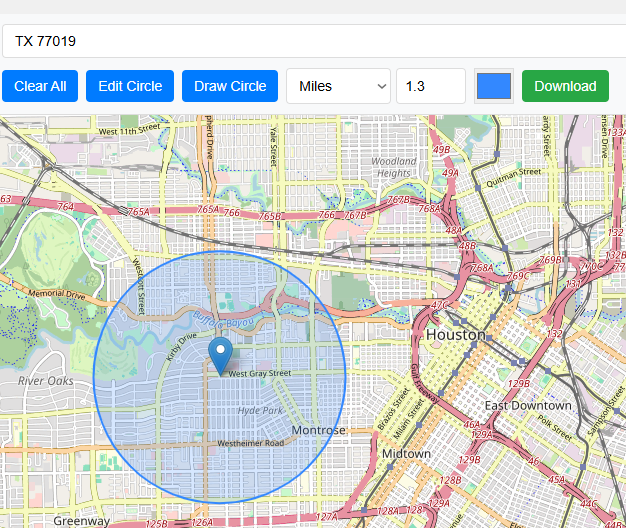
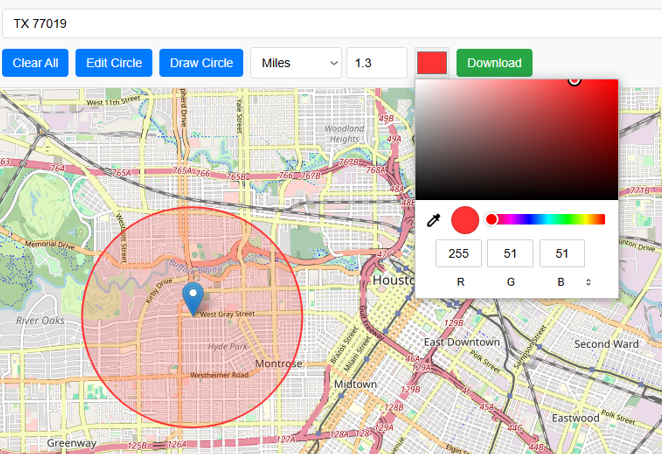
User can easily change the color of circle by using color selector. It will help to meet the color requirements of user . For example if you create multiple circles with different values then you can give each map a unique color.
Edit circle button is 2nd button from left hand side of the application. Using the Edit Circle button, the center of the circle can be changed, and a new circle with the same parameters will be drawn. When edit circle button is clicked and there is already a circle on map to edit then it will be turned red and text will be changed to Cancel Editing.
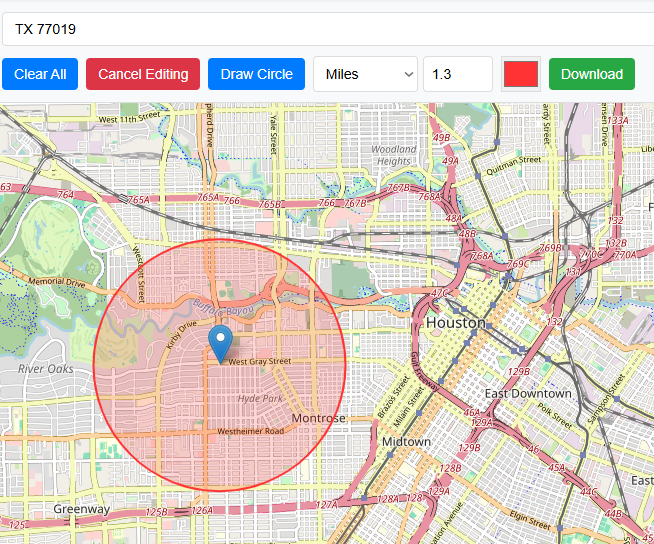
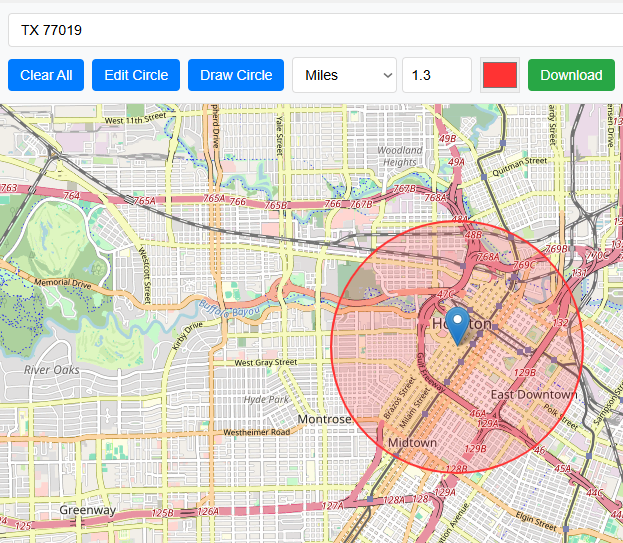
Now click to new location then circle center will be moved.
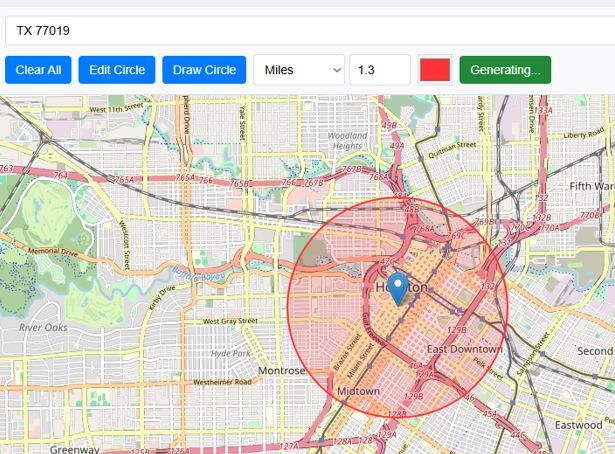
Download button in Green color with text display Download allows user to save the map which is made by drawing a circle on map in the form of image to local drive. Final output will be stored as JPG format.
<
It provides a summary when a user draws a circle on the map.. Following summary will be provided;
Circle Summary Example:
Center: 29.754063, -95.406062
Radius:
Area:
Clear All button will remove all the working from map and will reset the map.
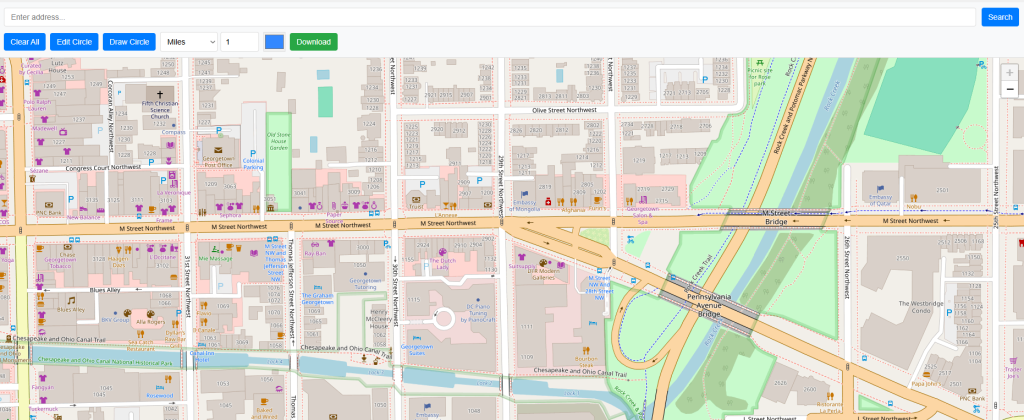
Radius Map Tool is a very simple easy to use web map tool. With the help of this tool, you can draw a circle of your desired radius on map at given location. You can easily move and edit the circle on map by changing its color, radius and location. You can download the map as jpg.
Area Calculator on map is a free area map tool. This area calculator tool using web map allows you to find out the area in multiple units that is enclosed inside a closed polyline overlaid on a map. You can also download the data in geojson format.
Distance Calculator on map is a very intuitive& simple free GIS web tool to calculate distance between two locations. It provides street or driving distance as well as straight distance. You can also download route data in the form of geoJSON to use on any GIS software.
Get your current elevation on map using this free online web map application. Just locate yourself on map and get the altitude of specific point. You will get elevation using 90 meter resolution dataset. It means accuracy of the elevation is approximation under 90×90 meters.
To find a zip code (or postal code) for your current location or a specific address, you can use this free tool to mark your position on map and find postcode on single click. Worldwide postal code finder for any address on map makes your life easier.
Nearby EV charging station finder on map within United States and get google maps driving directions. This tool will allow you to search street address to find nearest charging port of required location. You can also enter the coordinates or you can use your current geographic location.
It provides your current GMT time zone, current local time, address date and coordinates worldwide. You can search your address or can use your GPS location. Retrieved information about the time zone can easily be shared on whatsapp.
Simple user friendly web mapping application to find time zone on map by simply searching the address, postal code, geographic coordinates. You can also search for current time zone by just click my location on map. Click on map and you will be provided detailed information about your current time zone.
Want to view your GIS data in Esri Shapefile .shp format on map online? Use our shp viewer free application tool to display your shp file format data online. Map can also be exported using this shapefile viewer online application.
Do you need to convert your GPS data stored in GPX format to well known GeoJSON data. This free web tool will do this job for you. Just upload data, convert and download the required format.
Web Application to view KML, KMZ files on street map and satellite image. View and explore KML and KMZ files online. Fast, free KML viewer shows your placemarks, paths.
This online map application provides you with an interactive map made with your own geographic data in CSV file format.
Batch-upload up to 10 photos at once, edit EXIF metadata and geotag each image individually in just a few clicks, then export the updated files as high-quality JPEGs.
The world as it actually is, not just how it’s drawn. How big is your country? Drag it to find out. True Scale. Real Geography. No Distortions.