Map Elevation Finder
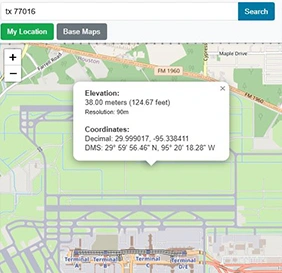
Find the elevation of any location on Earth. Click the map or search by address to get accurate altitude data from SRTM90m.
Open ToolBrowser-based Geographic Information System (GIS) tools — process, analyze, and visualize spatial data entirely within a web browser.
Find the elevation of any location on Earth. Click the map or search by address to get accurate altitude data from SRTM90m.
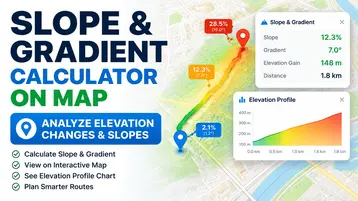
Open ToolFree slope and gradient calculator: draw a path or click two points on the map, and get the grade in percent, degrees and a ratio, an elevation profile chart, and a PDF report.
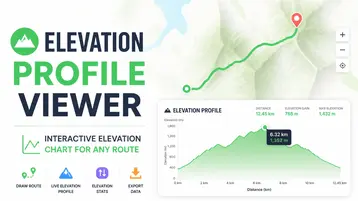
Open ToolPlace up to 5 points on the map and get an interactive elevation chart of the route, with total ascent and descent, highest and lowest point, grades, a share link and a PDF report.
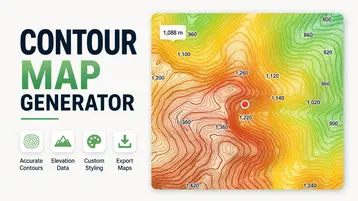
Open ToolClick any place and get contour lines in a 1 to 5 km² square at the interval you choose, with labelled index contours, terrain figures, GeoJSON, KML and DXF downloads and a PDF report.
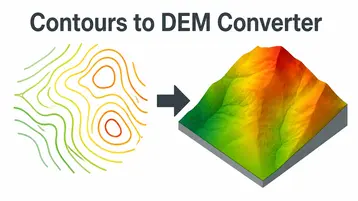
Open ToolUpload contour lines as GeoJSON, KML, Shapefile or DXF and turn them into a DEM by TIN or IDW, with a hillshade preview, GeoTIFF, ASCII grid and PNG heightmap downloads and a PDF report.
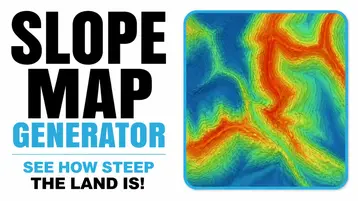
Open ToolClick any place and see the land in a 1 to 5 km² square coloured by steepness, in 4 classes or the 7 FAO classes, with the share of each class, GeoTIFF, PNG and CSV downloads and a PDF report.
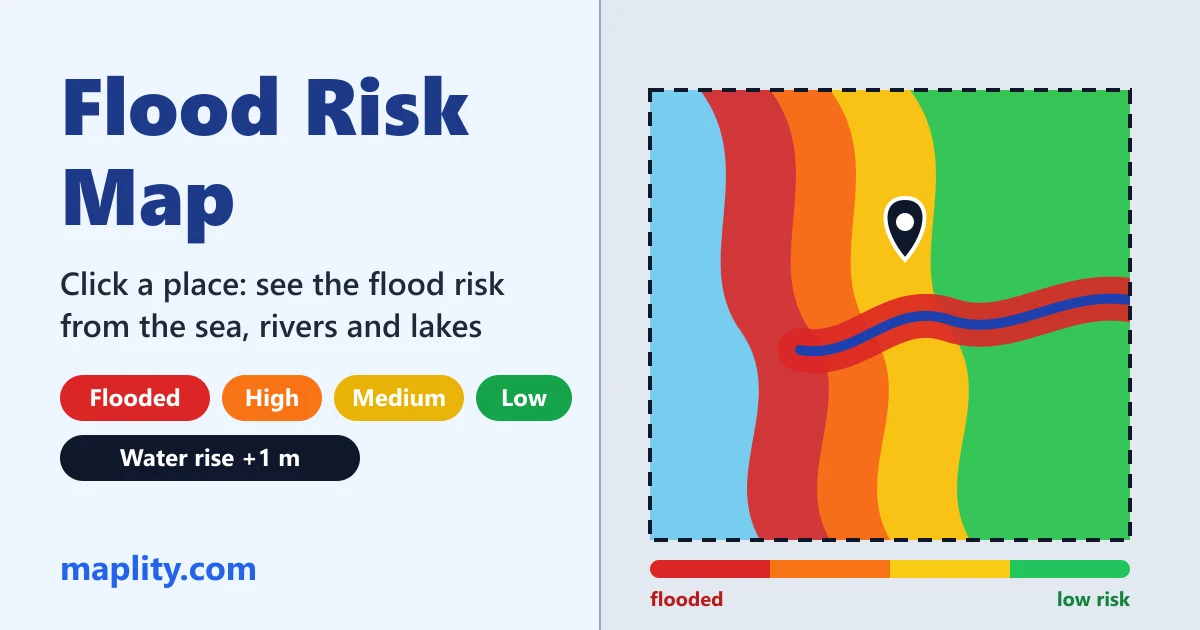
Open ToolClick a place, set the water rise and see all the land in a 10 to 100 km area coloured red (flooded), orange, yellow or green (low risk), from the sea, rivers and lakes.
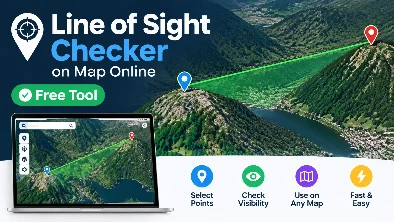
Open ToolClick two points and see if the ground blocks the view between them, with the Earth’s curve, refraction, the Fresnel zone for radio links and the mast height for a clear line.
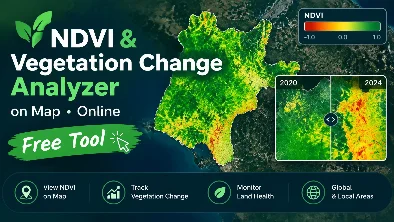
Open ToolClick any place and get an NDVI map at 10 m from the clearest Sentinel-2 image of the month, or compare two dates to measure vegetation lost after a fire or a clearing. GeoTIFF and CSV.
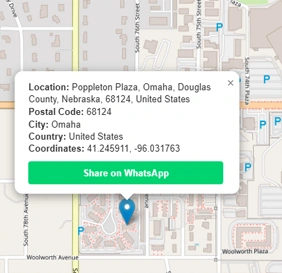
Open ToolFind the postal code or ZIP code of any location worldwide. Click the map or use your current GPS position.
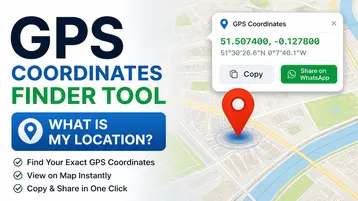
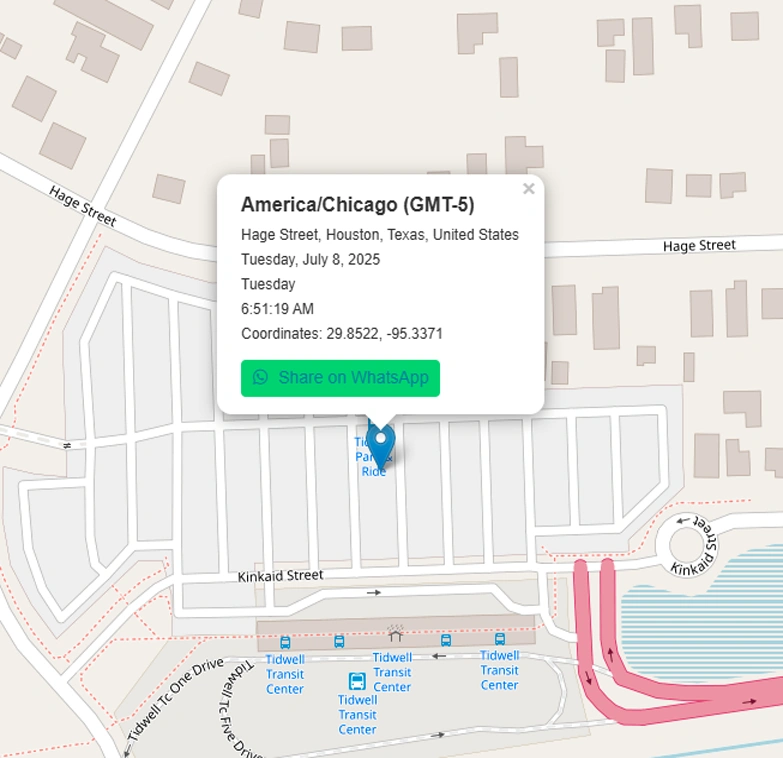
Open ToolFind your exact GPS coordinates from your device location or by clicking the map. View Decimal Degrees, DMS, and DDM formats, then share via WhatsApp.
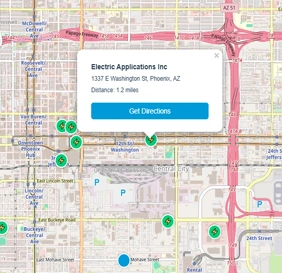
Open ToolFind the nearest electric car charging stations on the map. View up to 10 EV chargers within 25 miles of any location.
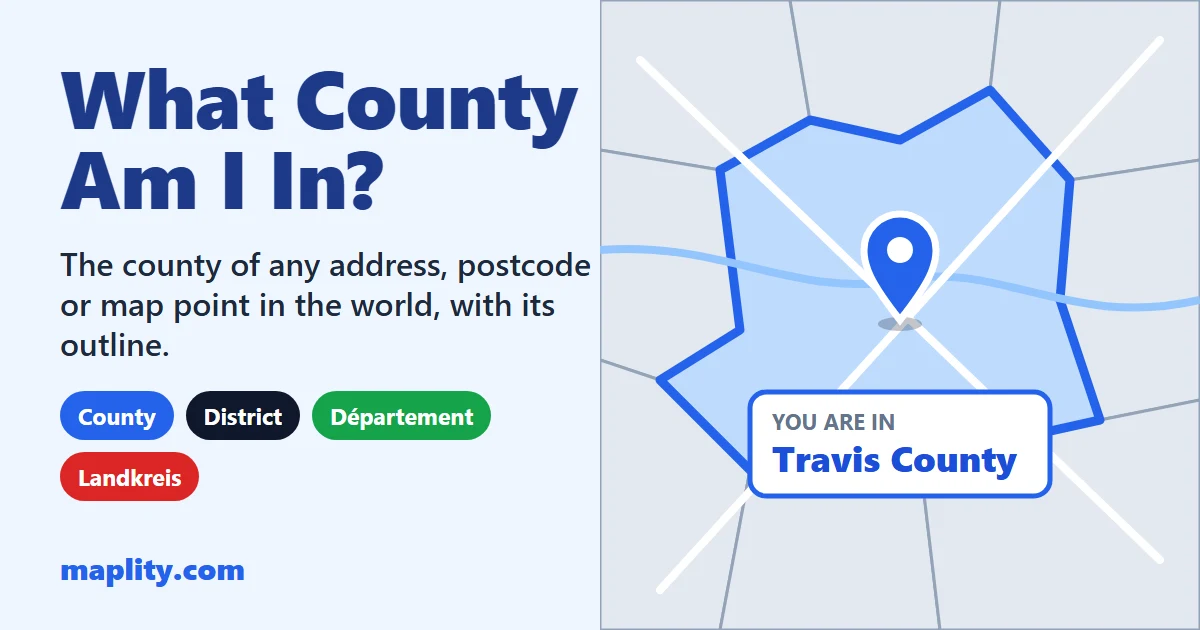
Open ToolFind the county, district or département of your location, any address or postcode, anywhere in the world, with its outline on the map.
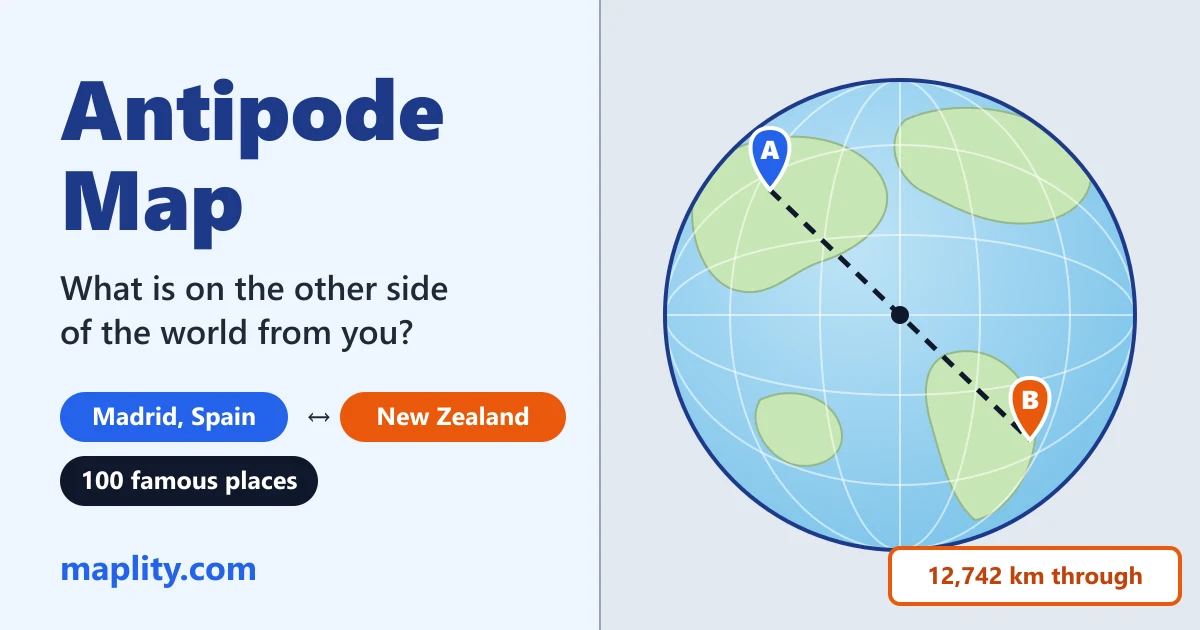
Open ToolWhat is on the other side of the world? Find the antipode of any place on two maps side by side, with the town or ocean there.
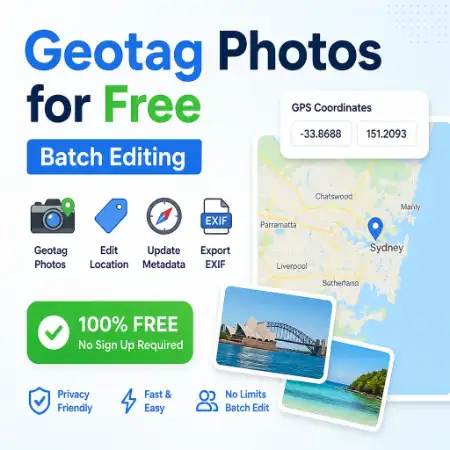
Open ToolAdd or edit GPS coordinates in photo EXIF metadata. Batch geotag JPEG images and export with updated location data.
Open ToolFind the time zone for any location. Click the world map to get the timezone name, GMT offset, and current local time.
Open ToolSunrise and sunset times, golden hour, blue hour, twilight and day length for any place and date, with the directions of sunrise and sunset on the map.
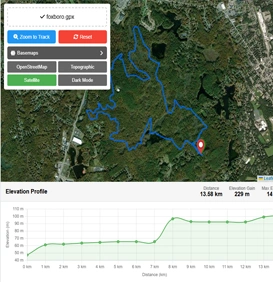
Open ToolUpload and view GPX files on an interactive map with an elevation profile chart. Free online GPX track reader.
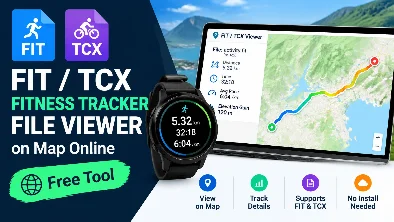
Open ToolOpen Garmin, Strava, Zwift or Wahoo FIT and TCX files on a map with pace, heart rate, power, laps and zones. Convert FIT to GPX or CSV.
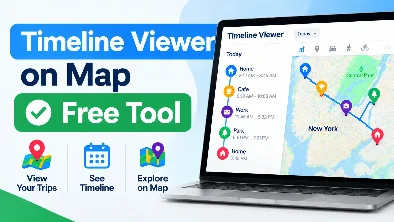
Open ToolSee your exported Google Maps Timeline (location history) on a map: any day, a heatmap, countries and days, top places. Convert to GPX, KML or CSV.
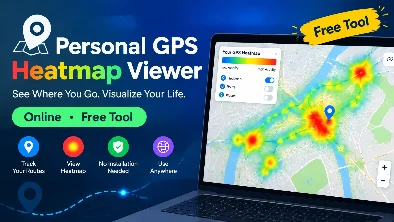
Open ToolA free heatmap of all your runs, rides and hikes: drop GPX, FIT or TCX files or a Strava, Garmin or Apple Health export. Poster and merged GPX.
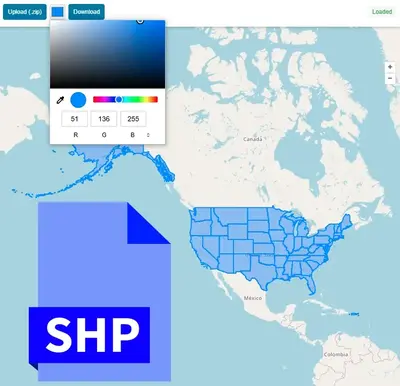
Open ToolUpload and view ESRI Shapefile (.shp / .zip) on an interactive map with an attribute table. Free online SHP reader.
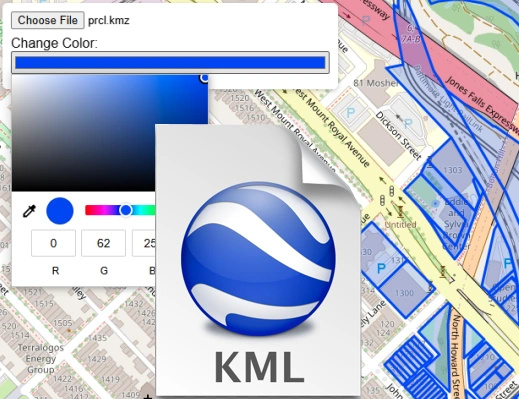
Open ToolUpload and render KML or KMZ files on an interactive map. View Google Earth files online without any software.
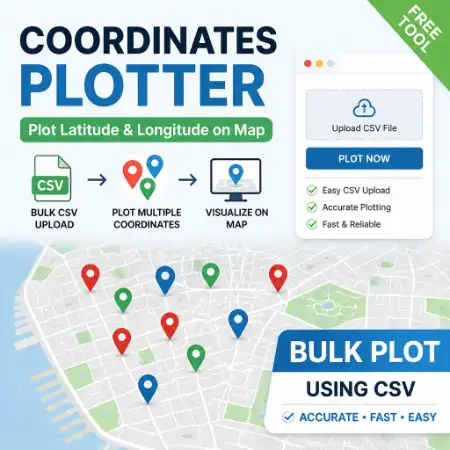
Open ToolUpload a CSV file with latitude and longitude columns and plot all coordinates on an interactive map instantly.
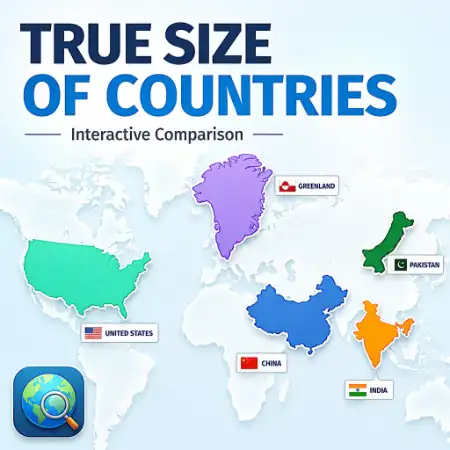
Open ToolCompare the true geographic size of any country by dragging it across the world map. Reveals Mercator projection distortion.
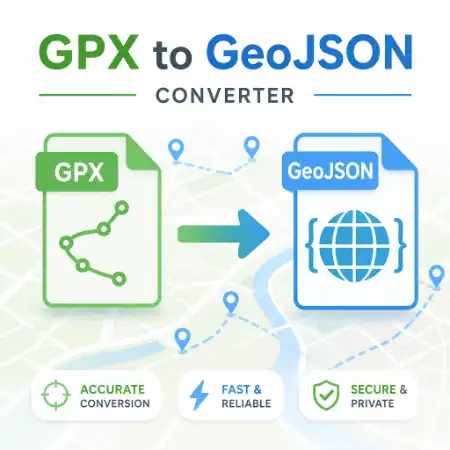
Open ToolConvert GPX files to GeoJSON format online for free. Preview your GPS track on the map then download the converted file.
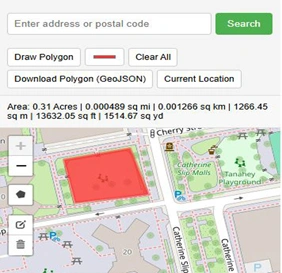
Open ToolDraw a polygon on the map and instantly calculate its area in m², km², acres, or hectares. No sign-up required.
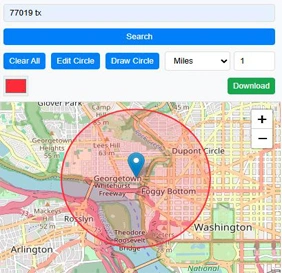
Open ToolDraw a circle of any radius on the map. Switch basemaps and export the map with the circle overlay as a PNG image.
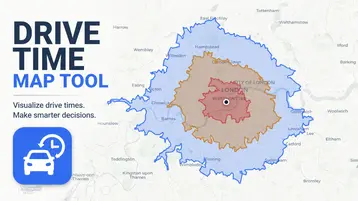
Open ToolCreate an isochrone map, travel time map, or drive time map for any location. Click the map to see what's reachable by car, bike, or foot in minutes.
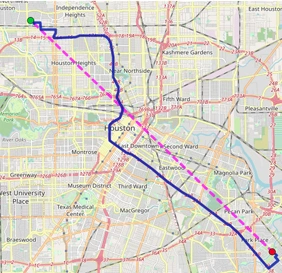
Open ToolMeasure distance between multiple points on the map. Calculate route distances and display results in km or miles.
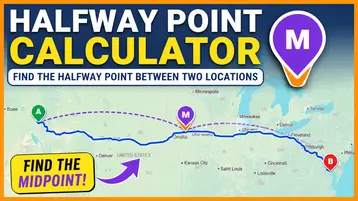
Open ToolFind the halfway point between two locations by straight line or by road, with cafés and public places to meet, Google Maps directions and WhatsApp sharing.
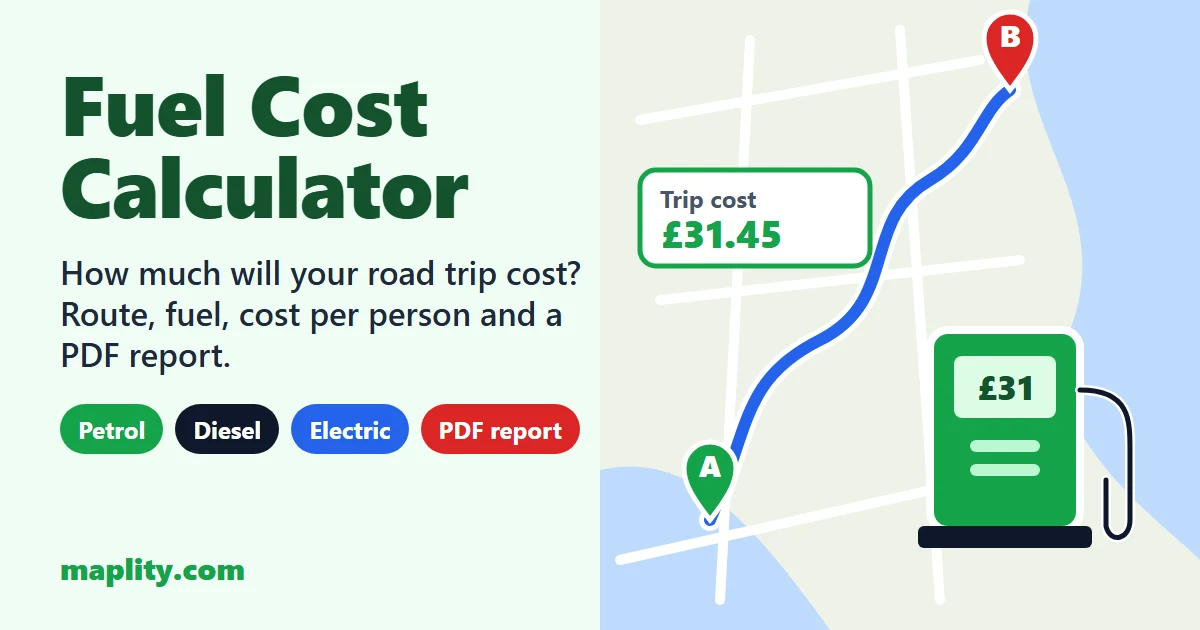
Open ToolWork out the fuel cost of a road trip from the route on a map: distance, driving time, fuel or electricity used, cost per person, CO2 and a branded PDF report.
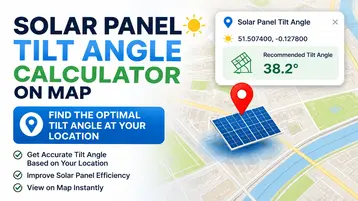
Open ToolFind the best angle for solar panels at your location. Get the optimal tilt angle for summer, winter and the whole year, the best panel direction, a monthly analysis table and a PDF report.
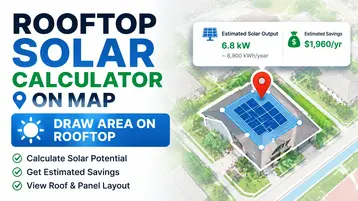
Open ToolFree roof solar calculator app: search an address, draw your roof, and get how many solar panels fit, the roof space used, the system size in kW, yearly and monthly output for summer and winter, a solar expert review and a PDF report.
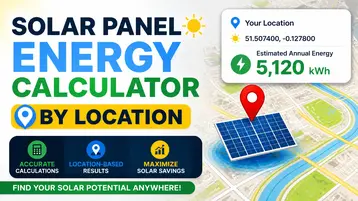
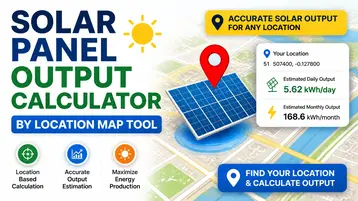
Open ToolClick any place on the map or search an address and get the kWh a solar system makes per year, month and day, the kWh per kWp, the peak sun hours, a tilt and direction heat map, a solar expert review and a PDF report.
Open ToolEnter your panels and pick a place to get the real kWh per panel, per day and per year after temperature, reflection, inverter and clipping losses, with a loss chart, the daily power curve, a technology and inverter comparison, the output over 25 years and a PDF report.
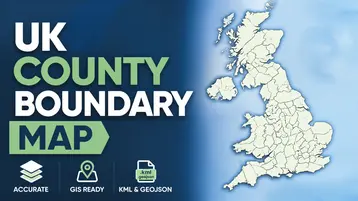
Open ToolView and download UK ceremonial county boundary data as GeoJSON or KML. Interactive map with all 48 counties.
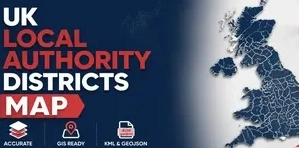
Open ToolView and download UK Local Authority District boundary data as GeoJSON or KML. All ~360 LADs included.
Open ToolBuilt for GIS professionals, field workers, and everyday map users.
Open any tool in seconds — no install, no loading screens, no account.
GPX, SHP, KML, and photo processing is 100% client-side. Files never leave your device.
Desktop, tablet, and mobile. Any screen size. Any modern browser.
All 38 tools are free. No paywalls, no freemium limits, no expiry.
Maplity is a collection of 38 free, browser-based Geographic Information System (GIS) tools for working with maps and spatial data. Every tool runs entirely client-side — there is no software to install, no account to create, and no file upload to a remote server. You open a tool, do the work, and close the tab.
The toolkit covers the tasks that come up most often in everyday mapping work: finding the elevation of a point, measuring distance and area, converting between GPX, KML, and Shapefile formats, plotting latitude/longitude coordinates, locating EV chargers, reading GPS metadata from photos, and looking up postal codes or UK administrative boundaries. Each tool is purpose-built for one job rather than bundled into a general-purpose GIS suite, so there is no learning curve — you can typically get an answer within seconds of opening the page.
A Geographic Information System (GIS) captures, stores, and analyzes data tied to a location on Earth. In practice, that means working with formats like GPX (GPS tracks), KML (Google Earth placemarks and paths), and Shapefiles (the standard format for administrative boundaries and survey data), and being able to answer spatial questions — how far apart are two points, what is the elevation at this coordinate, what area does this polygon cover, or which local authority does this address fall within. GIS tools traditionally required desktop software such as QGIS or ArcGIS; Maplity brings the most common of those operations directly into a web browser.
Because processing happens on your own device, files like GPX tracks, Shapefiles, or photos with embedded GPS metadata are never transmitted to a server for the core conversion or calculation logic. That keeps the tools fast — there is no upload wait — and keeps sensitive location data under your control. It also means the tools work the same way on a desktop, tablet, or phone, since all that is required is a modern web browser.